The fast, keyboard-driven notebook for people who'd rather type than click.
No bloat. No lock-in. No noise. YANTA stores your notes as plain JSON you own, finds anything in milliseconds, and runs natively everywhere you do.
Free & open sourceMIT licensedOpen the palette with ⌘K
features
Everything you need. Nothing that gets in the way.
YANTA is a sharp command-line tool that happens to have a beautiful editor. Every capability is one keystroke away, and none of it fights you.
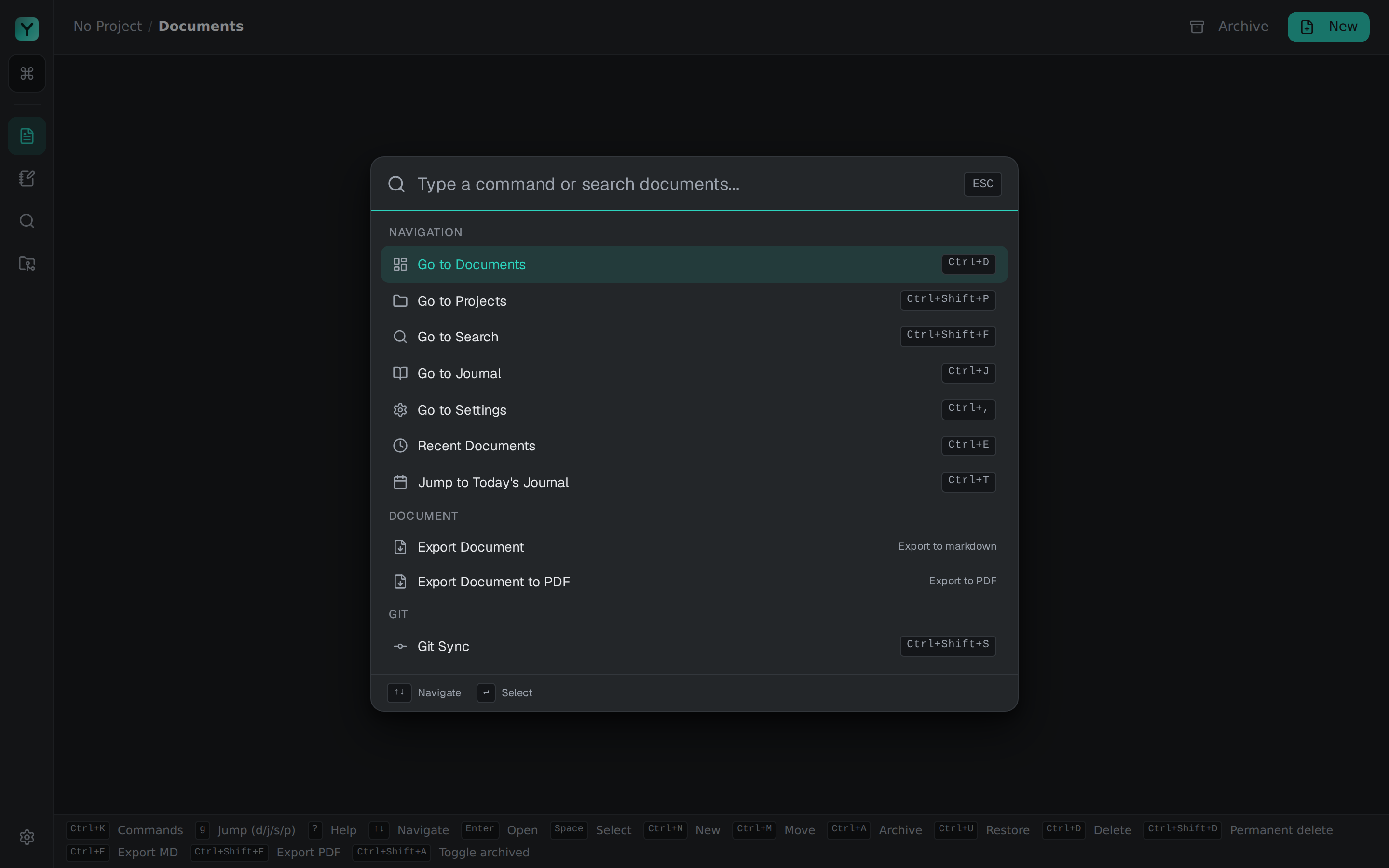
A command line, built in
Drive everything from the keyboard: a command palette, vim-style shortcuts, and a real command line at the bottom of every note. Your hands never leave home row.
- ⌘KOpen command palette
- :tagAdd a tag to this note
- gdGo to dashboard
- /Search the whole vault
Full-text search in milliseconds
Every note, tag, and code block is indexed on-device the moment you save it. Start typing and results appear before you finish the word.
Plain-JSON vault you own
Notes live in ~/.yanta/vault as plain JSON. No database lock-in, no proprietary format. Commit, sync, and back them up however you like.
Project-based focus
Keep work and personal notes in separate projects. Switch context instantly, without the clutter.
Tagging with autocomplete
Tag however makes sense to you. Autocomplete keeps things consistent as your vault grows.
Native speed, tiny footprint
Instant startup, sub-frame interactions, and a memory footprint that respects your machine. No browser engine hiding inside.
screenshots
A beautiful editor with a terminal's soul
Dark, focused, and fast. Here's what a day in YANTA actually looks like.
search
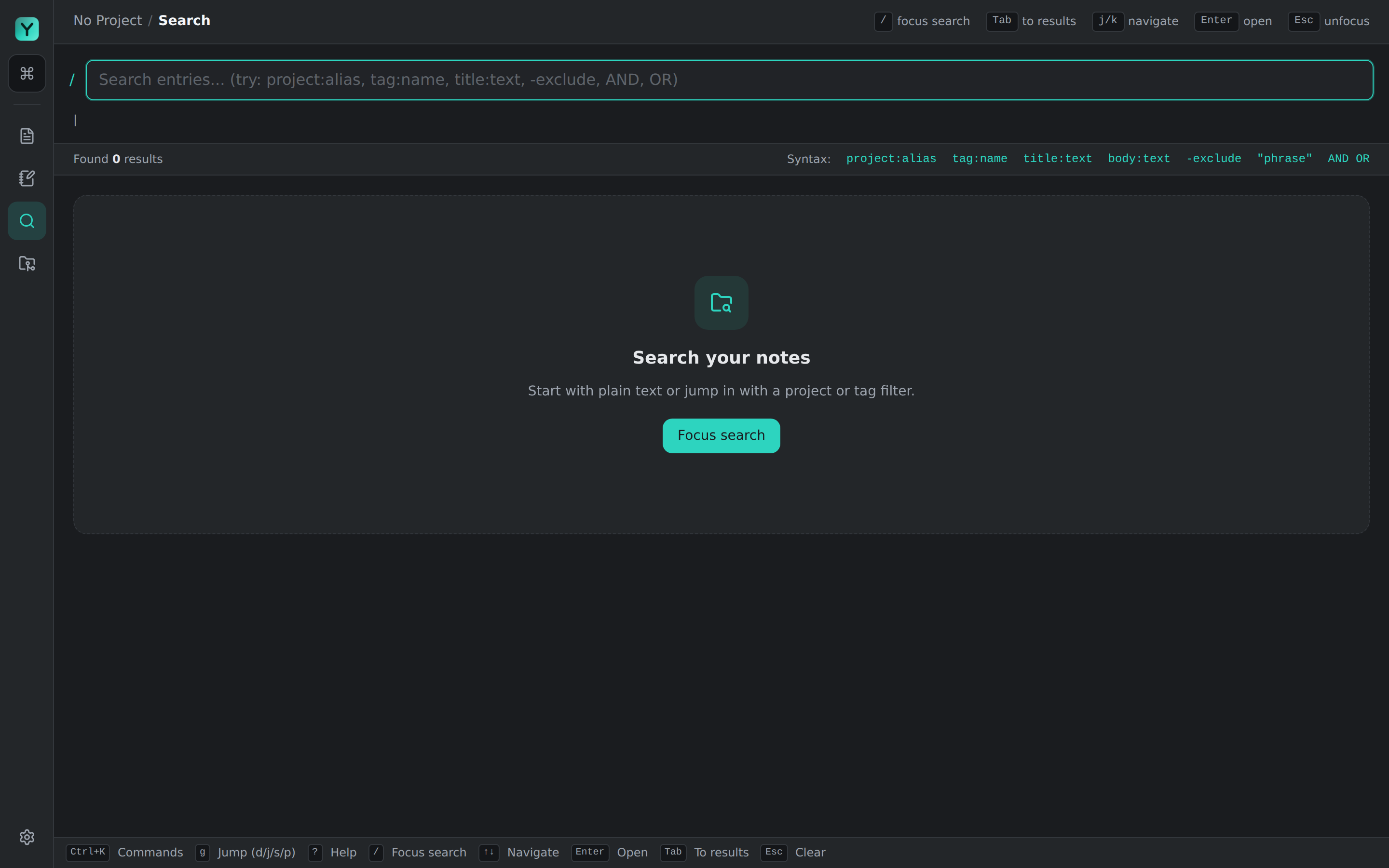
Search that keeps up with your thoughts
Full-text search across your whole vault with a query language built for it: project:alias, tag:name, title:text, phrases and boolean AND/OR. Focus it, type, jump to the match. All keyboard.
settings
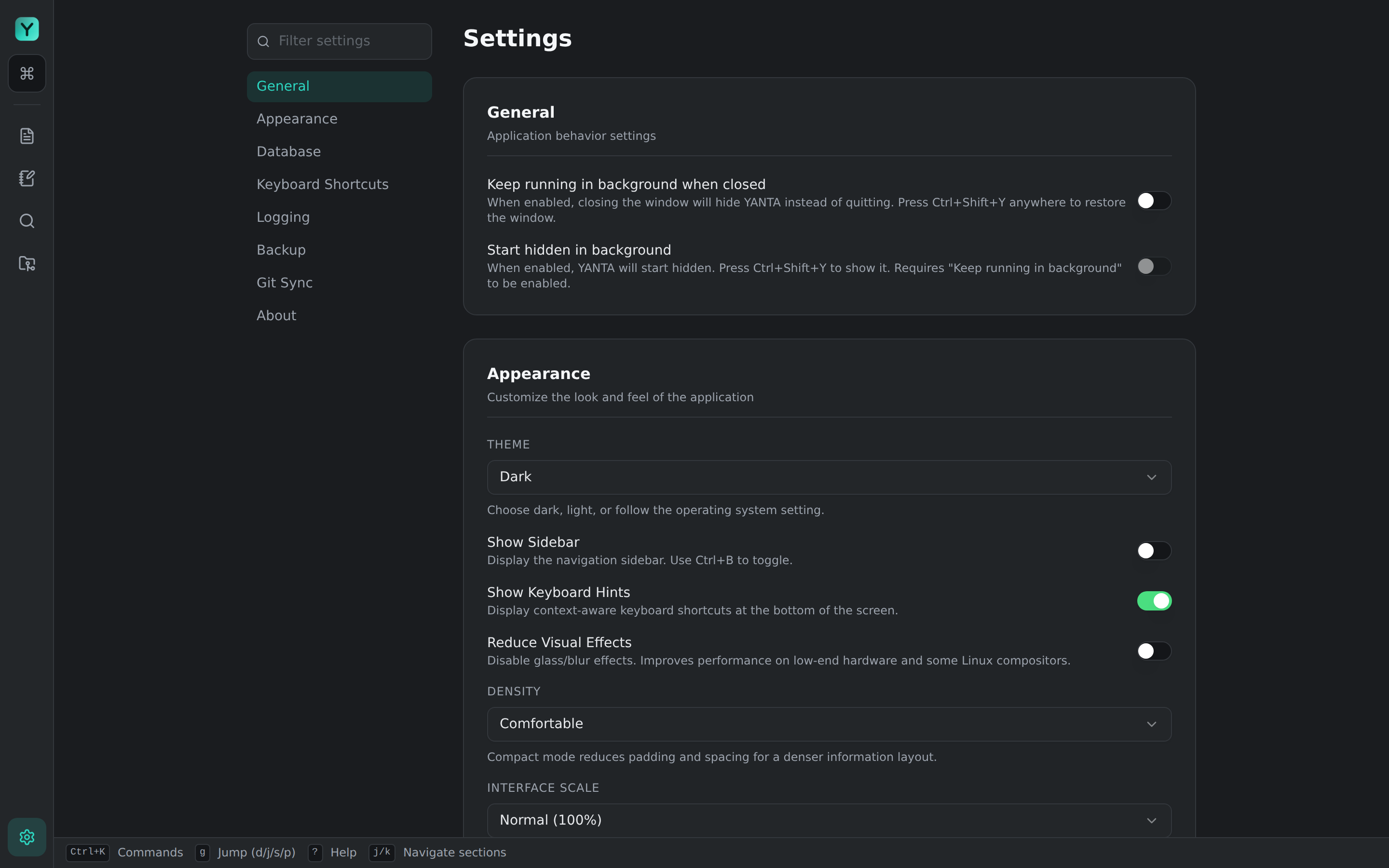
Tuned to the way you work
Theme, density, interface scale, keyboard hints, background behaviour, backups, Git sync. Configurable and sensible by default. Set it once and forget it's there.
documents
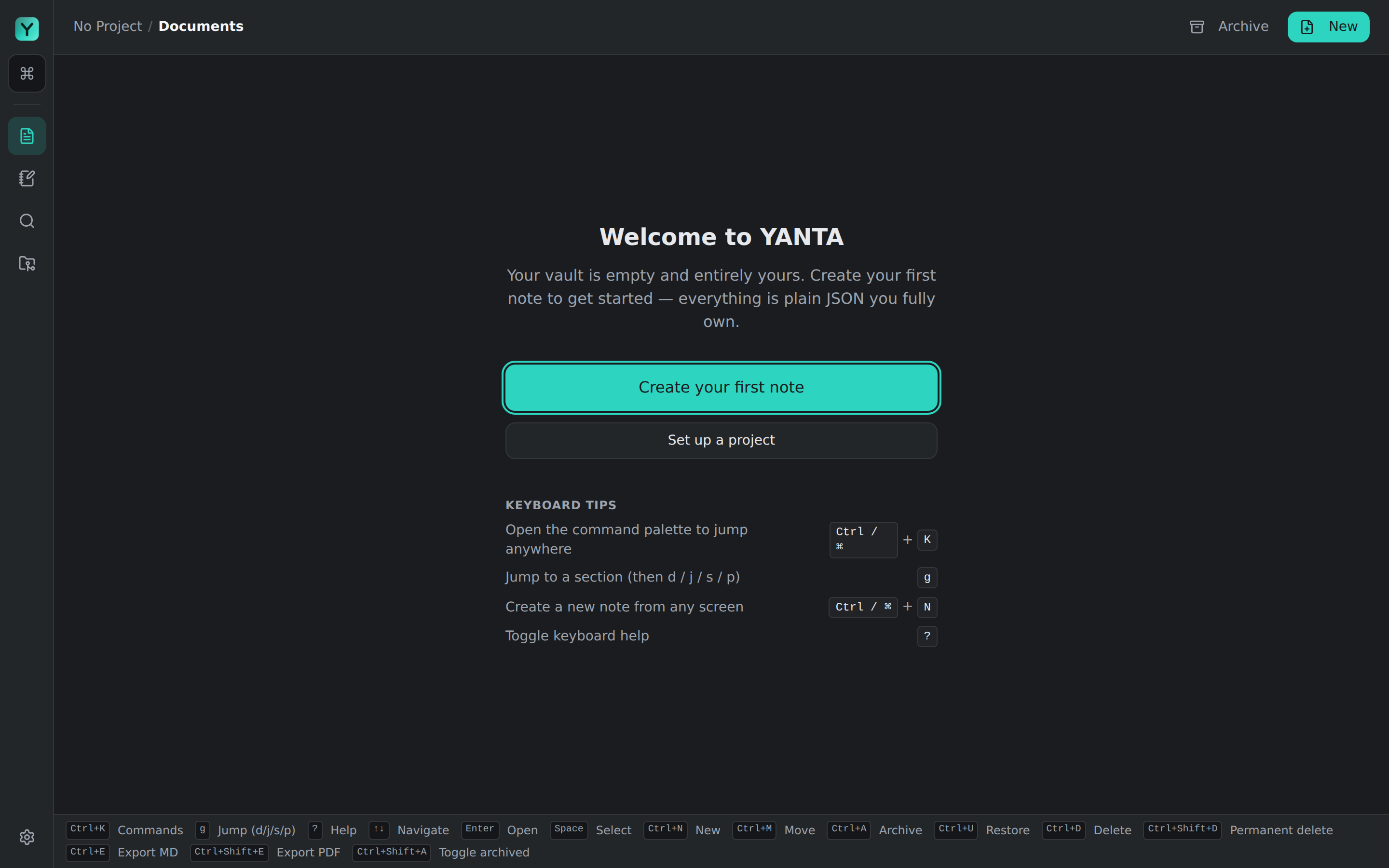
A calm, keyboard-first home base
YANTA opens to a quiet canvas and a command bar. No dashboards, no clutter. Every note you create is plain JSON in a folder you own, from the very first keystroke.
your data
Your notes are just files. That's the whole point.
Most note apps trap your thinking in a database you can't read. YANTA writes plain JSON to a folder you control, so your notes outlive the app, the format, and any company.
No lock-in, ever
Plain JSON on your disk. If YANTA vanished tomorrow, every note would still open in any text editor.
Version it like code
Point git at your vault and get a full history of every note. Diff, branch, and roll back your thinking.
Sync your way
Dropbox, Syncthing, a private repo: your files, your rules. YANTA never phones home.
{
  "id": "01H9X…",
  "title": "Project Kickoff Notes",
  "project": "work",
  "tags": ["meeting", "planning"],
  "updatedAt": "2026-07-01T14:12:09Z",
  "body": [ … ]
}mcp server
Your AI agents, working in your vault
YANTA speaks the Model Context Protocol. Point Claude Code, Codex, opencode, or any MCP client at your notes and let it search, read, and write beside you. Every edit runs through the same engine as the app, so your search index, sidebar, and git-sync stay live and correct.
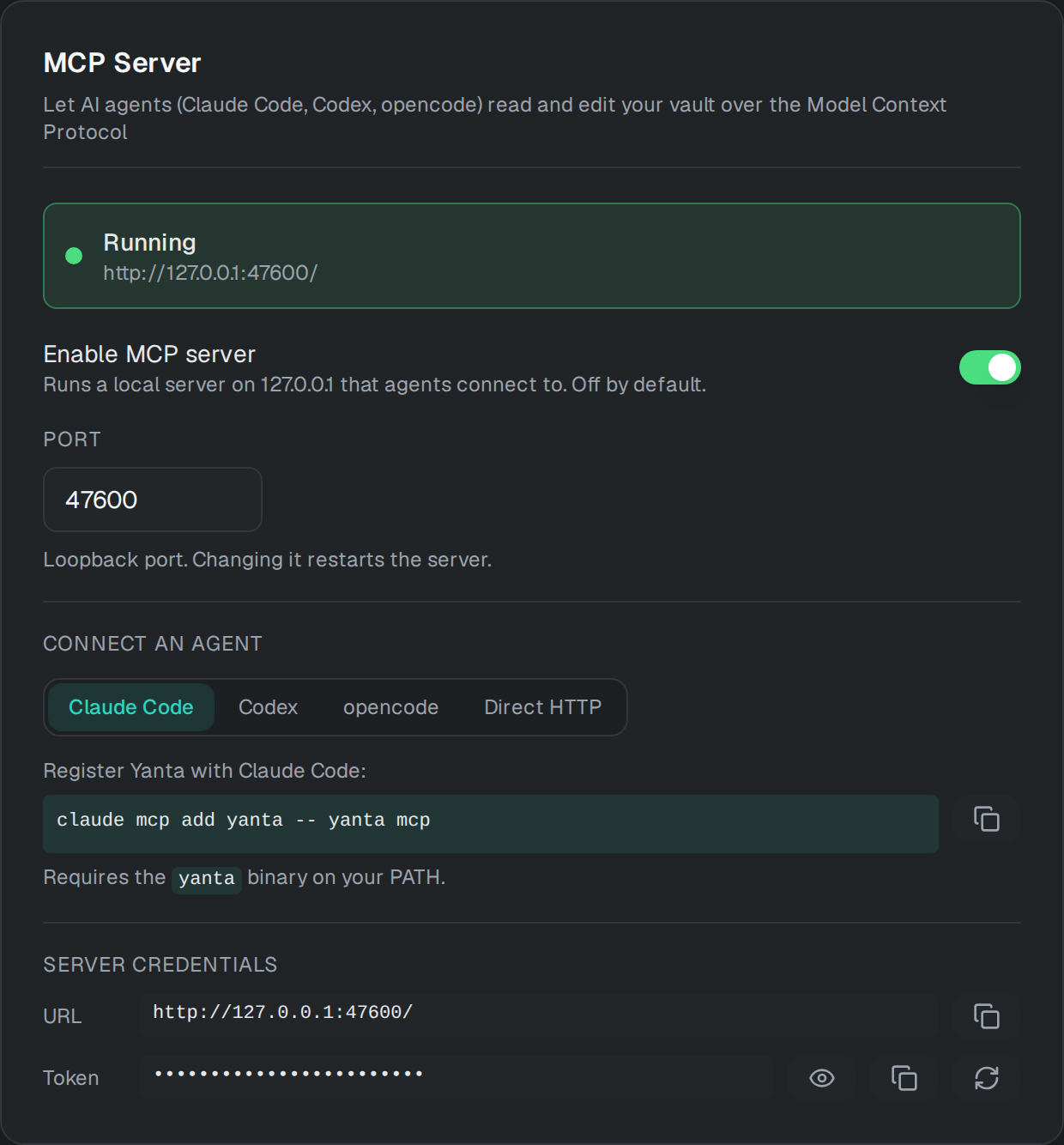
Connect in one line
Any MCP client works. These three are the most common.
Register YANTA in one line:
claude mcp add yanta -- yanta mcpNeeds the yanta binary on your PATH, or connect over direct HTTP with no PATH setup.
Read & write
readwriteFourteen tools across notes, journal, projects, and tags.
- search_notes
- get_document
- list_documents
- list_projects
- read_journal
- list_journal_dates
- list_tags
- create_document
- update_document
- move_document
- delete_document
- append_journal
- add_tags_to_document
- remove_tags_from_document
Local and locked down
Loopback only
Binds
127.0.0.1. Never a public interface.Token on every request
A bearer token gates every call, with an Origin check that blocks browser DNS-rebinding.
Off until you say so
Disabled by default. Token and discovery files are written
0600.
install yanta
Start writing in under a minute.
Free, open source, and native on every desktop. We picked the build for your system, switch platforms any time. v2.4.0 is out now.
Windows
Windows 10 & 11 · 64-bit
The Store build keeps YANTA updated automatically.
Looking for a specific version or checksums? Browse all releases on GitHub →